

You need to ensure that your firewall configurations are specifically tailored to meet the stringent requirements of HIPAA compliance. Implementing effective firewall rules, including access controls and monitoring traffic, is vital to protect your ph Protected Health Information (PHI). By understanding the best practices for firewall settings, you can enhance your organization’s security posture and reduce the risk of data breaches. This guide will provide you with the information necessary to configure your firewalls appropriately, helping you to maintain a compliant and secure environment.
Key Takeaways:
- Implement a robust network perimeter firewall that filters and monitors incoming and outgoing traffic to safeguard sensitive healthcare data.
- Utilize segmentation within the network to isolate sensitive systems and data, reducing the risk of unauthorized access.
- Regularly update firewall rules and configurations to adapt to evolving security threats and ensure alignment with HIPAA requirements.
- Enable logging and monitoring features to track access attempts and detect potential breaches, aiding in compliance audits.
- Conduct periodic risk assessments and vulnerability tests to identify and mitigate weaknesses in your firewall setup and overall security posture.
1. Implement inbound and outbound traffic filtering rules.
2. Use network segmentation to isolate sensitive data.
3. Regularly update firewall firmware and software.
4. Enable logging to monitor and analyze traffic.
5. Apply strong access controls for remote connections.
6. Conduct regular security assessments and vulnerability scans.
Understanding HIPAA Compliance
The Health Insurance Portability and Accountability Act (HIPAA) sets the standard for protecting sensitive patient data. Compliance with HIPAA ensures that healthcare organizations implement safeguards to secure personal health information (PHI) and maintain patient privacy. As a healthcare professional, you must develop a deep understanding of these regulations to effectively protect your patients’ data and avoid potential penalties.
Key HIPAA Requirements
Any organization handling PHI must adhere to specific requirements including administrative, physical, and technical safeguards. These safeguards aim to protect patient information from unauthorized access and breaches. You are responsible for implementing policies, training staff, and using encryption when transmitting sensitive data to maintain compliance.
Importance of Firewalls in Healthcare
On the front lines of cybersecurity, firewalls serve as a vital line of defense for healthcare organizations. They monitor incoming and outgoing network traffic, ensuring that unauthorized users cannot access PHI. You must prioritize firewall implementation to minimize the risk of data breaches and to uphold HIPAA compliance.
Considering the increasing frequency of cyberattacks in healthcare, having a robust firewall is necessary for protecting your patients’ personal health information. Effective firewalls can block unauthorized access while allowing legitimate traffic, ultimately safeguarding your system against threats. By continuously updating and configuring your firewall settings, you enhance your organization’s defenses against data breaches and cyber threats, aiding in the preservation of patient trust and compliance with HIPAA regulations.
Firewall Types and Their Roles
Assuming you are navigating the complexities of HIPAA compliance, it is important to understand different firewall types and their roles in protecting your data. Each type serves its unique purpose:
- Network Firewalls: act as a barrier between your internal network and external threats.
- Application Firewalls: evaluate traffic specific to applications, offering detailed filtering.
- Next-Generation Firewalls: integrate traditional firewall features with advanced security functions.
- Cloud Firewalls: protect cloud-based infrastructure.
- Hardware Firewalls: provide physical protection through dedicated devices.
Perceiving the right combination will enhance your security posture for compliance.
| Type | Function |
| Network Firewalls | Traffic monitoring between networks |
| Application Firewalls | Protection at the application layer |
| Next-Generation Firewalls | Integrated security features |
| Cloud Firewalls | Security for cloud services |
| Hardware Firewalls | Physical device safeguarding |
Network Firewalls
Any organization must prioritize the implementation of network firewalls to manage incoming and outgoing traffic. These firewalls create a fortified boundary to deter unauthorized access while ensuring legitimate users can navigate securely. By deploying network firewalls, you can maintain a clear line of defense that is vital for safeguarding sensitive information.
Application Firewalls
Against potential threats, application firewalls serve as a dedicated layer of security, focusing specifically on application traffic. They work to analyze data packets at the application layer, blocking harmful content that traditional firewalls might overlook. This targeted approach allows for enhanced protection of sensitive health information.
Understanding the importance of application firewalls enables your organization to mitigate intrusions effectively. They go beyond basic filtering by inspecting the context and content within applications, such as web servers or email systems. This detailed analysis ensures that malicious payloads are detected and neutralized before they can cause harm, ultimately supporting your quest for HIPAA compliance and safeguarding patient data. Their implementation not only protects against external threats but also adds a necessary layer of assurance for your healthcare operations.
Best Practices for Firewall Configuration
For maintaining HIPAA compliance, it’s vital to adhere to effective firewall configurations that protect sensitive health information. Implementing best practices includes ensuring that your firewall settings are optimized to filter unauthorized access and regularly updating your rules to adapt to evolving security threats.
Access Control Measures
Practices like defining user roles and restricting access to only authorized personnel are fundamental in safeguarding health data. Use dual-factor authentication and regularly review access permissions to ensure that only the necessary staff members have access to protected information.
Regular Monitoring and Updates
The significance of routine monitoring cannot be overstated; it allows you to identify potential threats promptly. Conduct regular audits to assess firewall performance and update security policies in real-time to respond to emerging risks.
Firewall monitoring is vital for detecting any irregular activities that could compromise your network. You should configure alerts to notify you of anomalies, and these alerts allow for swift action to address potential issues. Additionally, keeping your firewall software and security protocols up-to-date ensures protection against the latest threats. Regularly reviewing firewall logs will help you understand potential vulnerabilities and tighten your security further. By staying proactive, you can greatly reduce the chances of breaches that could jeopardize HIPAA compliance.
Firewall Logging and Reporting
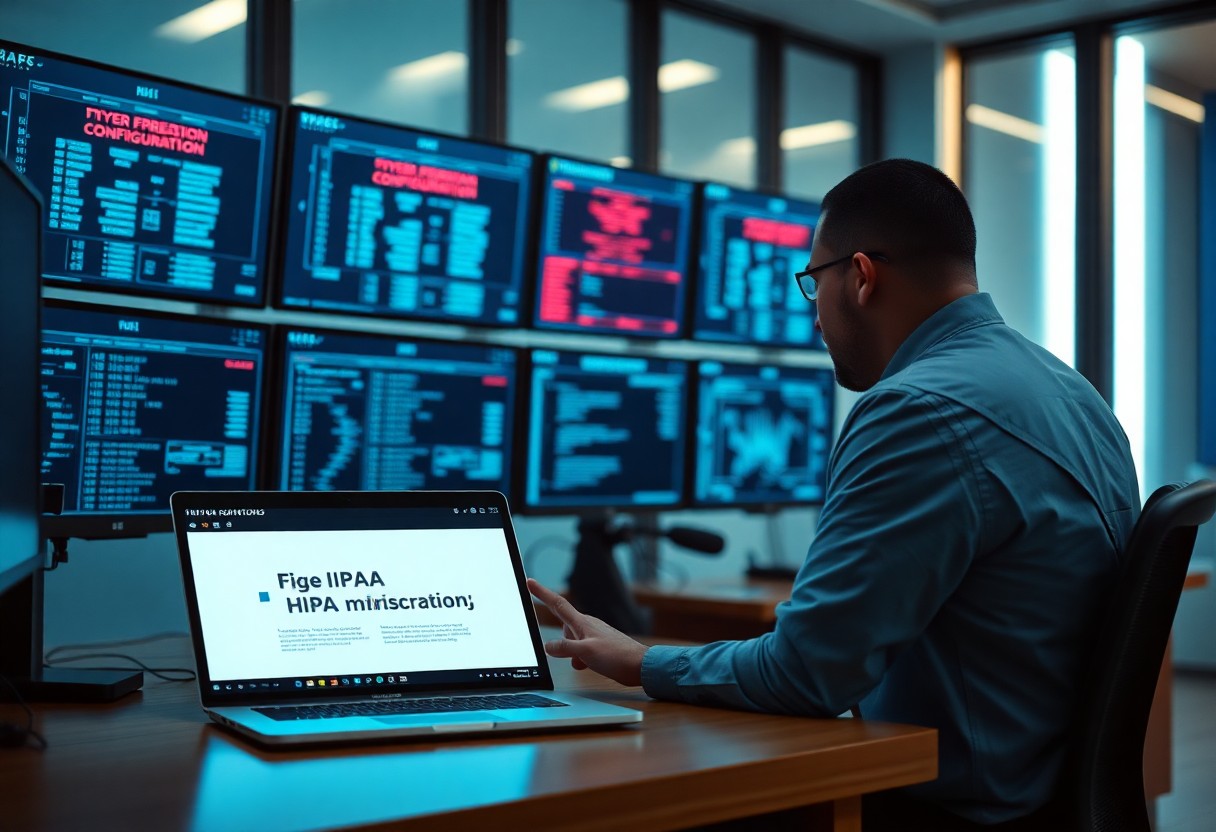
Now, effective firewall logging and reporting serve as the backbone of your HIPAA compliance strategy. By maintaining comprehensive logs, you ensure that all access attempts, both successful and failed, are recorded. This not only helps in identifying potential security breaches but also prepares you for audits by providing documentation that demonstrates your commitment to protecting sensitive health information.
Importance of Logging
Behind every successful cybersecurity strategy is a robust logging mechanism. By recording detailed information about incoming and outgoing network traffic, you enable your organization to track anomalies and suspicious behavior. This data is vital for pinpointing vulnerabilities, assessing risks, and ensuring that your health information is adequately protected.
Analyzing Logs for Compliance
Among the key activities in maintaining HIPAA compliance is the regular analysis of firewall logs. You must proactively review your logs to identify patterns that could indicate a breach, unauthorized access, or any misuse of protected health information.
Indeed, the process of analyzing logs provides you with insightful data into your network activities, ensuring you meet HIPAA regulations effectively. By scrutinizing these logs, you can uncover suspicious activities and potential vulnerabilities before they escalate into serious incidents. This not only helps in maintaining compliance but also safeguards patient data against breaches. Regular audits of these logs ensure you have a clear understanding of your network’s security posture while demonstrating your commitment to protecting confidential health information.
Common Firewall Misconfigurations to Avoid
Keep in mind that misconfigurations can significantly impact your HIPAA compliance. You should be vigilant about regularly auditing your firewall settings to identify and rectify any potential vulnerabilities. Ignoring these can expose sensitive patient data, leading not only to compliance issues but also potential financial penalties and damage to your reputation.
Inadequate Security Zones
Security zones are important for segmenting and controlling access to different areas of your network. If you have inadequate security zones, unauthorized access to sensitive data can easily occur, jeopardizing both your compliance and the confidentiality of patient information.
Weak Password Policies
Inadequate password policies can create serious security risks in your firewall configurations. You must ensure that your team enforces strong password requirements. This includes using a combination of uppercase and lowercase letters, numbers, and special characters. By doing so, you reduce the risk of unauthorized access and bolster your firewall’s overall integrity.
In fact, a large percentage of data breaches stem from weak or stolen passwords. Implementing robust password policies not only helps in complying with HIPAA regulations but also fosters a culture of security awareness among employees. Encourage periodic password changes and educate your staff about the dangers of reusing passwords. Strong passwords are your first line of defense against cyber threats, so prioritize enhancing your firewall’s defenses through effective password management.
Testing and Assessing Firewall Effectiveness
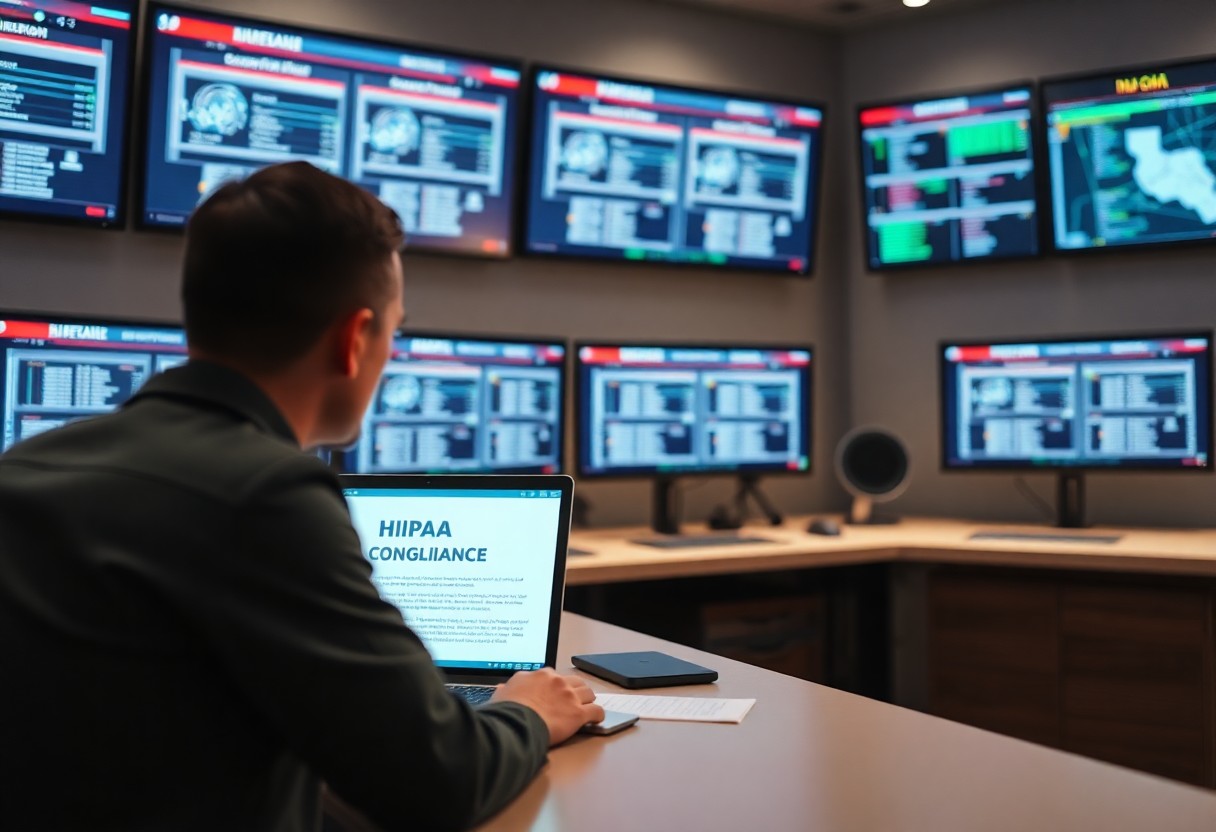
All organizations must routinely test and assess the effectiveness of their firewalls to ensure compliance with HIPAA regulations. Periodic assessments can help you identify vulnerabilities and areas needing improvement, thus safeguarding patient information. For guidance on these assessments, you can refer to How to Implement and Maintain HIPAA Compliant Firewalls.
Vulnerability Assessments
After establishing your firewall, you must conduct regular vulnerability assessments. This process involves scanning your network environment for potential weaknesses. By identifying these gaps early, you can implement remediation strategies and fortify your defenses against potential breaches.
Penetration Testing
An effective way to test your firewall’s resilience is through penetration testing. This technique mimics the actions of a malicious actor attempting to gain unauthorized access. By simulating real-world attacks, you can gauge how well your firewall performs under pressure.
Effectiveness of penetration testing lies in its ability to unveil exploitable vulnerabilities within your firewall setup, providing you with invaluable insights. By addressing these weaknesses, you not only enhance your security posture but also demonstrate proactive measures toward HIPAA compliance. Additionally, these tests can help you uncover misconfigurations and outdated rules that could expose sensitive patient data, allowing you to maintain a more secure environment for your organization.
Conclusion
With this in mind, selecting the best firewall configurations for maintaining HIPAA compliance involves setting stringent access controls, implementing robust logging and monitoring, and ensuring regular updates and patches. You should also segment your networks to isolate sensitive data and establish rules that align with HIPAA standards. By actively managing your firewall settings and staying informed about the latest security practices, you can protect patient information effectively while meeting compliance requirements.
FAQ
Q: What specific firewall configurations help in preventing unauthorized access to protected health information (PHI)?
A: To help prevent unauthorized access to PHI while maintaining HIPAA compliance, it is necessary to configure firewalls to only allow traffic on necessary ports and protocols. Implementing IP whitelisting can restrict access to authorized users and devices only. Moreover, employing Intrusion Detection Systems (IDS) or Intrusion Prevention Systems (IPS) along with your firewall enhances security by monitoring and analyzing traffic for suspicious activities. Regularly updating firewall rules based on activity logs is also a best practice to adapt to evolving security threats.
Q: How often should firewall configurations be reviewed to ensure ongoing HIPAA compliance?
A: Firewall configurations should ideally be reviewed at least quarterly to ensure ongoing HIPAA compliance. Additionally, any significant changes in the network infrastructure, such as system upgrades or the addition of new devices, warrant immediate reviews. Organizations should also conduct annual risk assessments as recommended by HIPAA regulations, scrutinizing firewall settings to ensure they align with current security policies and effectively protect sensitive information.
Q: Are there specific logging and monitoring features that should be activated on firewalls for HIPAA compliance?
A: Yes, to support HIPAA compliance, firewalls should be configured to enable extensive logging and monitoring features. This includes logging all inbound and outbound traffic, capturing details such as source and destination IP addresses, timestamps, and any actions taken by the firewall. Implementing automated alerts for anomalous activities or potential breaches is necessary. Furthermore, access to these logs should be restricted to authorized personnel, and logs should be maintained for at least six years, as per HIPAA requirements, to facilitate audits and investigations.